User Guide Overview

Learn how to navigate and utilize the NDIS Provider and Supplier Directory efficiently

How to Search Providers and Services in the Directory

01

Start with Clear Keywords

Enter specific terms related to the service or provider you need. Use precise language to narrow down results and avoid broad searches that may return irrelevant listings.

02

Use Filters to Refine Results

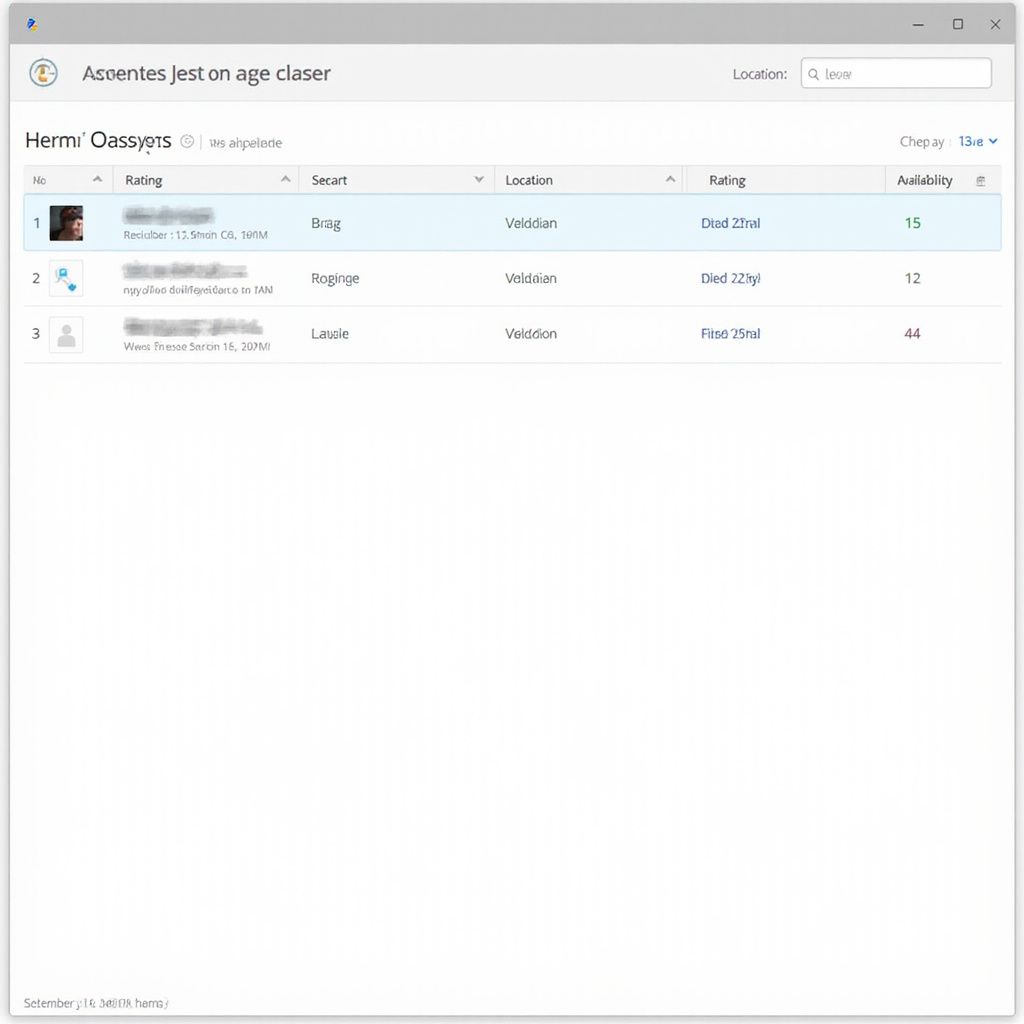
Apply available filters such as location, service category, and provider type to focus your search. This helps you quickly find providers that match your exact requirements.

03

Review and Compare Listings

Examine provider profiles carefully, noting their services, contact details, and ratings. Compare multiple options to select the best fit for your needs.

Refine your search with precision filters

Search Options Breakdown

Frequently Asked Questions

This section addresses common queries about navigating and using the NDIS Provider and Supplier Directory to help users maximize its features.

How do I find specific providers or services?

Use the search bar with relevant keywords and apply filters such as location, service type, or provider category to narrow down results efficiently.

Can I save or bookmark providers for future reference?

Yes, registered users can save preferred providers to their account for quick access during later visits.

What should I do if I cannot find a provider I need?

Try broadening your search criteria or check back later as the directory is regularly updated with new listings.

Is the information about providers verified?

All listings undergo a verification process to ensure accuracy, but users are encouraged to contact providers directly for the most current details.

Need More Help?

If your questions remain unanswered, contact our support team for personalized assistance with the directory.

Contact Support for Directory Assistance